The notebook
Everything in its place.
Notebooks, sections, pages and subpages. You find things by color and by place, the way you do on paper.
Ori lives in your notes. It answers from what you’ve written and drafts the pages you ask for.
The notebook
Notebooks, sections, pages and subpages. You find things by color and by place, the way you do on paper.
The page
Equations, diagrams, charts, tables and callouts, written as you think and kept as plain Markdown.
Ask
Ori reads the notes you put in reach, tells you which ones before you send, and answers from them.
Ask
Claims link back to the note they came from. Click one and the page opens on the passage.
Write
Describe a section, a report or a whole course. Ori drafts it straight into your notebook, page by page.
Review
Ori’s work arrives as a draft you read page by page. Keep all of it or just the pages you want, and undo it for a week after.
Your AI
Ori works through Claude Code or ChatGPT, on the plan you already pay for, with no API key. Or bring a key, or a model running on your own machine.
Yours
Every page is a Markdown file in a folder you choose. Sync it with anything, open it in anything, and keep it for as long as you like.
My Notebook / Work / Website relaunch.md
# Website relaunch

The new site goes live on October 14. This page is the plan: decisions come from the [[Design review, Sep 18]], risks from the [[Weekly sync, Sep 22]].

> [!result] Goal
> Half of new visitors reach the sign-up page, up from 31 percent today. Baseline in [[Analytics, September]].

## Milestones

| Milestone | Owner | Date | Status |
| --- | --- | --- | --- |
| Final designs | Ana | Sep 26 | Done |
| Copy for every page | Sam | Oct 3 | In review |
| Build and QA | Priya | Oct 10 | In progress |
| Go live | Everyone | Oct 14 | Planned |

## Before launch

- [x] Record the new product video
- [ ] Redirect every old URL
- [ ] Test sign-up on a phone
- [ ] Walk support through the new pages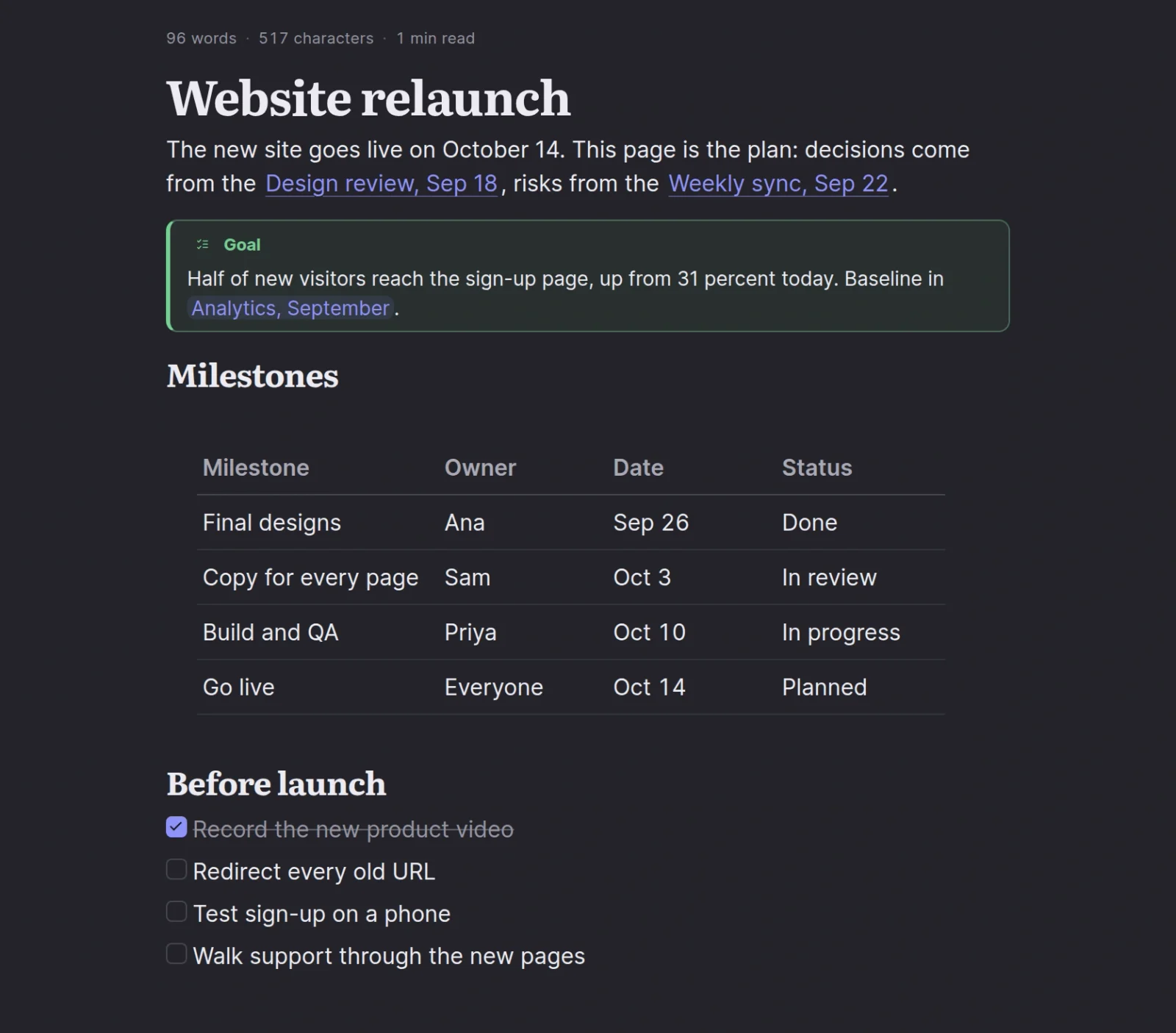

The same note, as you read it and as it sits on disk.
macOS is on the way. The notebook and Ori, the AI inside it, are yours from the first page.


